CEMETERY MANAGEMENT SOFTWARE | My Workspace

Managing your daily cemetery tasks has never been so easy |
Managing your daily cemetery tasks has never been so easy |
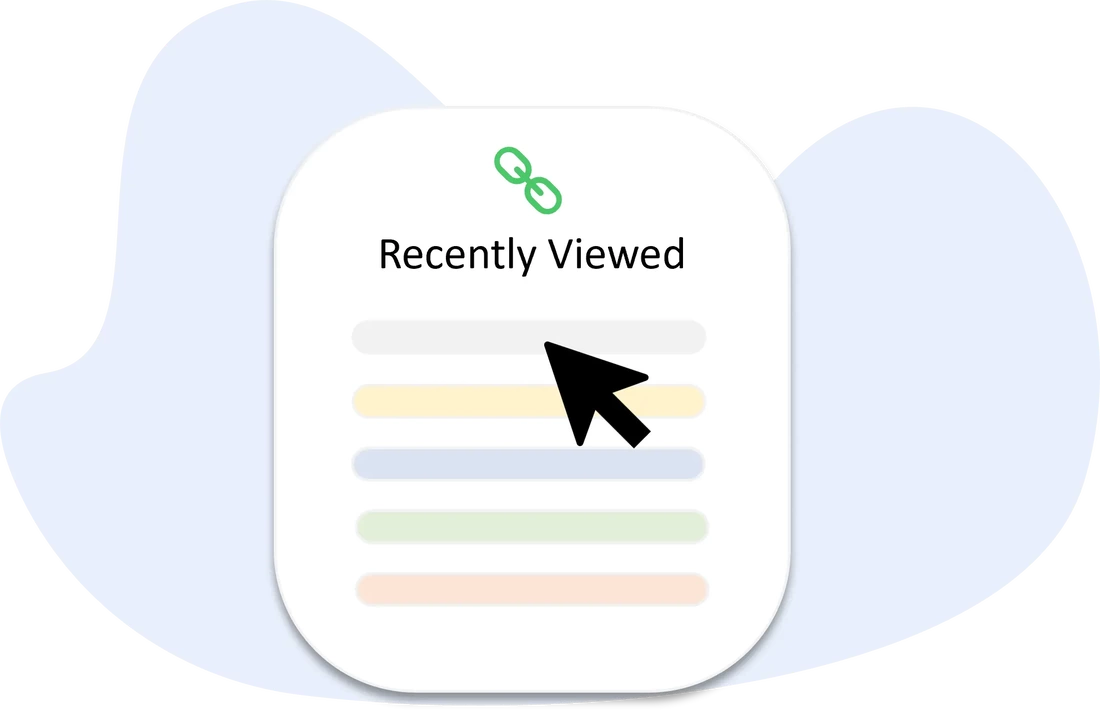
By clicking on any of the shortcut links, you'll be redirected to those records and views you have mostly recently visited and/or opened.
- EverArk Cemetery Software navigation: My Workspace > Recently Viewed section |
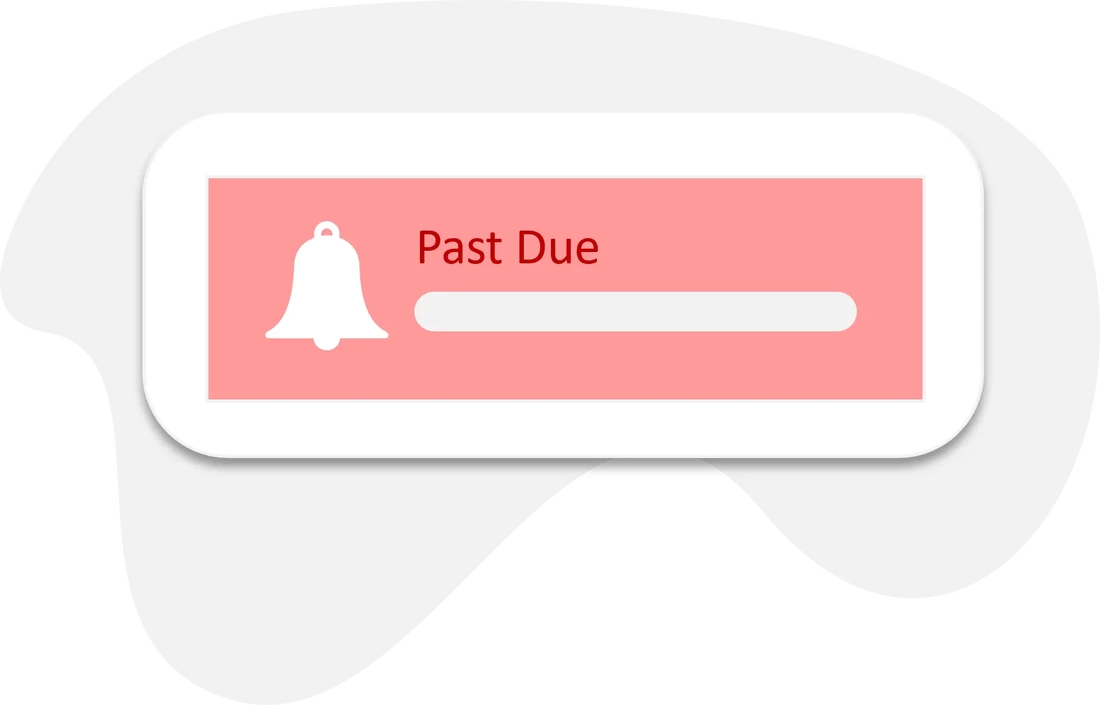
By setting up and managing your alerts, you will be able to make sure you don't miss any critical action items or tasks such as past due invoices and work orders. You can also request custom alerts specific to your cemetery and workflow.
- EverArk Cemetery Software navigation: My Workspace > Alerts section |
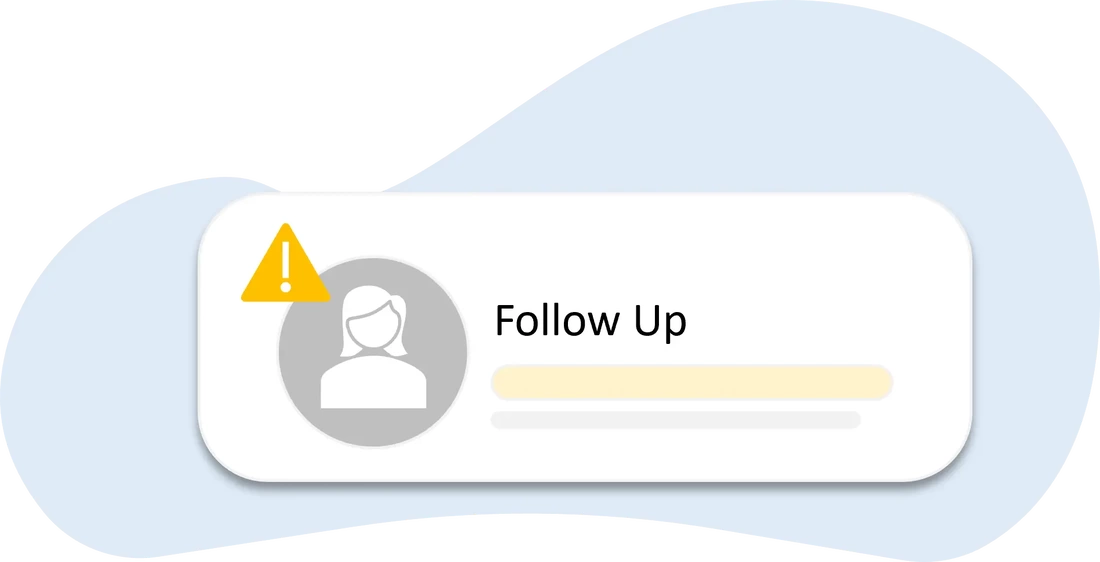
By keeping an eye on follow-up items and other low priority tasks that aren't critical to your day-to-day cemetery operations, you will be able to maintain accountability and software diligence.
- EverArk Cemetery Software navigation: My Workspace > Warnings section |
By logging tasks and setting meetings within EverArk, you'll have reminders for all your activities that you can click on to take action and manage.
- EverArk Cemetery Software navigation: My Workspace > Reminders section |
By opening the company calendar, you can track all tasks, work orders, and meetings your team has scheduled for your entire cemetery.
- EverArk Cemetery Software navigation: My Workspace > Calendar tab |
By reviewing the complete company list of activities, tasks, meetings, and work orders, you can track their status and progress in real-time.
- EverArk Cemetery Software navigation: My Workspace > List View tab |

|
Take a quick tour of EverArkLearn how EverArk can help you manage your cemetery and increase your revenue and growth.
|


|
Scroll through our features by user typeEverArk provides in-depth functionality for all cemetery users and customers.
Cemetery Management SoftwareCelebration of Life Software & App |


|
Try before you buy. Or, start with our Pro PlanSign up now and lock yourself into our beta pricing. Our extremely affordable $12 per user/month isn't going to last long.
|


|
Learn about our partner programWe value great partners and want to establish long-lasting relationships to build upon.
|

|
Read our latest blogStay informed with our latest blog chatter and industry trends.
|


Shop the plots our EverArk customers are selling online.
|
All our resources are at your fingertipsStay informed and explore all of our content, news, jobs, articles, and more. |


|
Register for EverArkTake the next step in cemetery innovation and get started with EverArk. Click on the type of user you are.
|

|
Quick Links
TOURFEATURESPRICINGPARTNERSBLOG
QUICK FACTS |
|
|
|
|
© 2024 Eternal Legacy Company LLC. All rights reserved.
EverArk® trademark is owned by Eternal Legacy Company LLC. |
TERMS OF SERVICE |
PRIVACY POLICY |
COOKIE POLICY |
DISCLAIMER |
SITEMAP |
|
U.S. PATENT
DIGITAL LEGACY AND LOCATION SERVICES FOR BURIAL SITES Covered by: U.S. PRV Application No. 15/865,298 |
|